WOVADAY FOR WINDOWS
A little more room.
Right on your desktop.
Download the public update with the revised model and web search. File Chats and Projects are retained, and computer-audio capture is excluded. Sign-in is required; no personal API key is needed.

THE PUBLIC REVIEW UPDATE
Wovaday 0.1.1
Windows 11 · 64-bit (x64)
Download setup installerWindows may show an unknown-publisher warning. Check the file and checksum before deciding whether to run it.
What’s new in this releaseBefore you install
- Supported target
- Windows 11 x64
- Recommended
- Modern four-core CPU, 8 GB RAM
- Free storage
- At least 6 GB during installation, plus space for captures
- Microphone
- Needed only for live audio capture
- Internet
- Sign-in needs internet; local features work offline while your session is valid. Advanced answers need internet
- Version
- 0.1.1 · Windows build 0.1.1.27
Hardware figures are recommendations. Windows 10 and ARM64 compatibility have not been established. Audio uses approximately 115 MB per hour before encryption.
New accounts can temporarily sign in immediately with a password because email confirmation is off. Email ownership is not verified during this period. Password-reset email delivery remains limited until a sending domain and custom SMTP are configured. Paid Advanced answers retain their existing limits. Read the testing notes.
SIGN IN, THEN SETTLE IN
One clear first step.
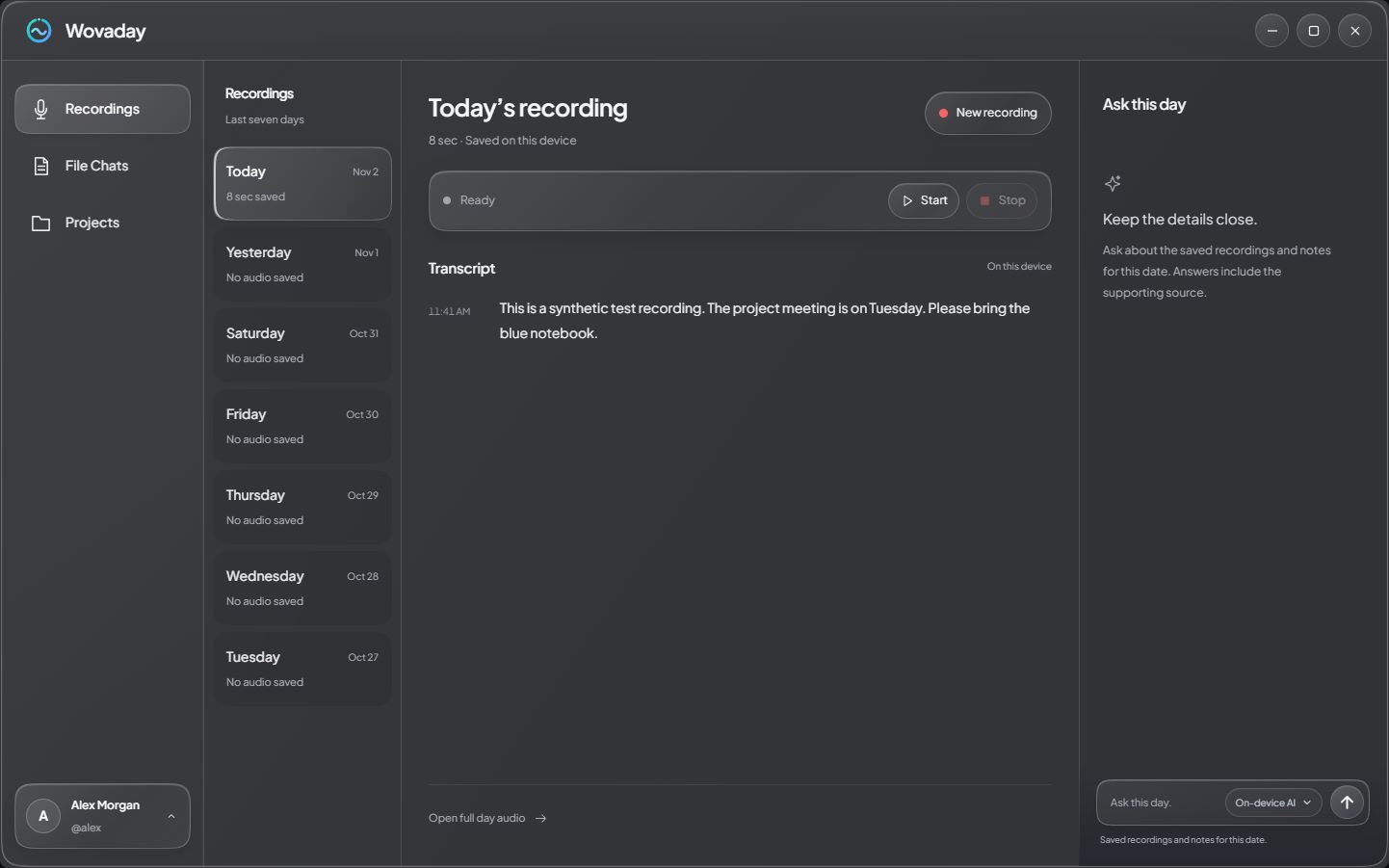
The app opens to a focused email-and-password screen. Your library becomes available after sign-in.
THREE STEPS TO YOUR FIRST MOMENT
Settle in.
Download and check.
Save Wovaday Setup.exe. Compare the SHA-256 below if you want to verify the exact file.
Open the installer.
Run it from your Downloads folder and follow the Windows setup prompts. This installs Wovaday for your Windows user.
Choose your input.
Create an account or sign in to Wovaday, then open Recording settings to choose your microphone, use the non-saving input test and save your recording approval. Press Start when you are ready to record. You can also begin with a typed note or import an MP3 into its own file chat.
VERIFY YOUR DOWNLOAD
SHA-256 checksum
This fingerprint identifies the exact build 0.1.1.27 installer.
d6e54d9d866598733725493cd57fdbaa269a66372139612ca59e76406fcf5dceDownload checksum fileHow do I check the checksum on Windows?
Open PowerShell in your Downloads folder and run:
Get-FileHash 'Wovaday Setup.exe' -Algorithm SHA256Compare the resulting hash with the value above. A match confirms file integrity; it does not establish publisher trust or a code-signing identity.
Updating an existing Wovaday installation?
Stop capture and close Wovaday before opening the installer. Install into the existing Wovaday location. This update uses the same local vault. Compatibility with every device or existing profile has not been established. Back up anything important before updating.